Lesson 2.2: Tableau Desktop Starting Page Overview
Objective:
In this lesson, we will explore the Tableau Desktop starting page, which serves as the central hub for initiating your Tableau projects and accessing recent workbooks. Understanding the components and functionalities of the starting page is essential for navigating Tableau Desktop efficiently.
Start Page in Tableau Desktop:
The Start Page in Tableau is the central location to Connect or Extract Data for your report, and Open recently used Workbooks.
Suppose, you launch the Tableau Desktop, and you will see a page as shown in the image below, it’s Start Page
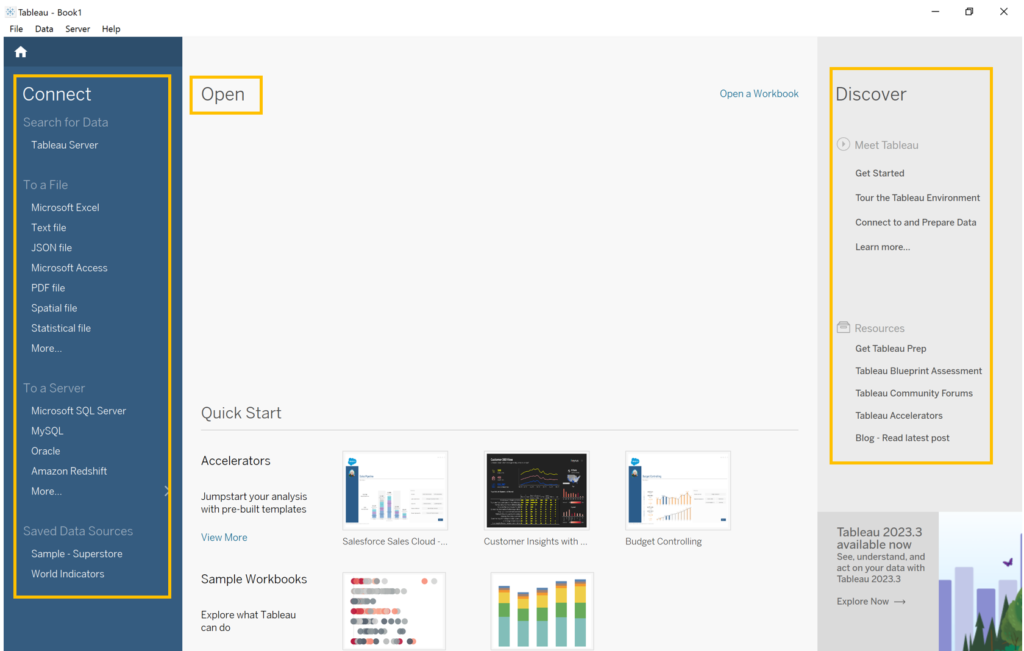
Figure: Start Page in Tableau Desktop
The start page in Tableau Desktop is a central location from which you can do the following:
- Connect to your data
- Open your most recently used workbooks
- Discover and explore content produced by the Tableau community
The start page offers a user-friendly interface with three main panes: Connect, Open, and Discover. Let’s break down each pane:
Connect:
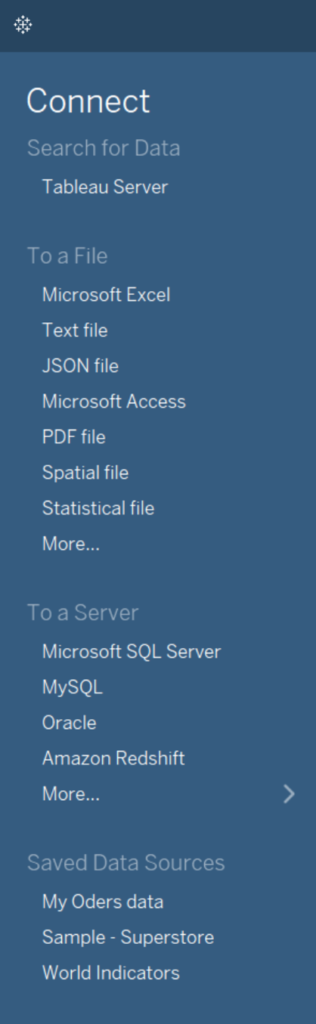
The Connect pane facilitates data interaction. Here, you can:
- Connect to Data: Link to Microsoft Excel, text, Access files, Tableau extracts, or statistical files (SAS, SPSS, R).
- Connect to Server: Establish connections with databases like Microsoft SQL Server or Oracle.
- Open Saved Data Sources: Quickly access previously saved data sources from your My Tableau Repository or explore provided samples, such as the Sample – Superstore.
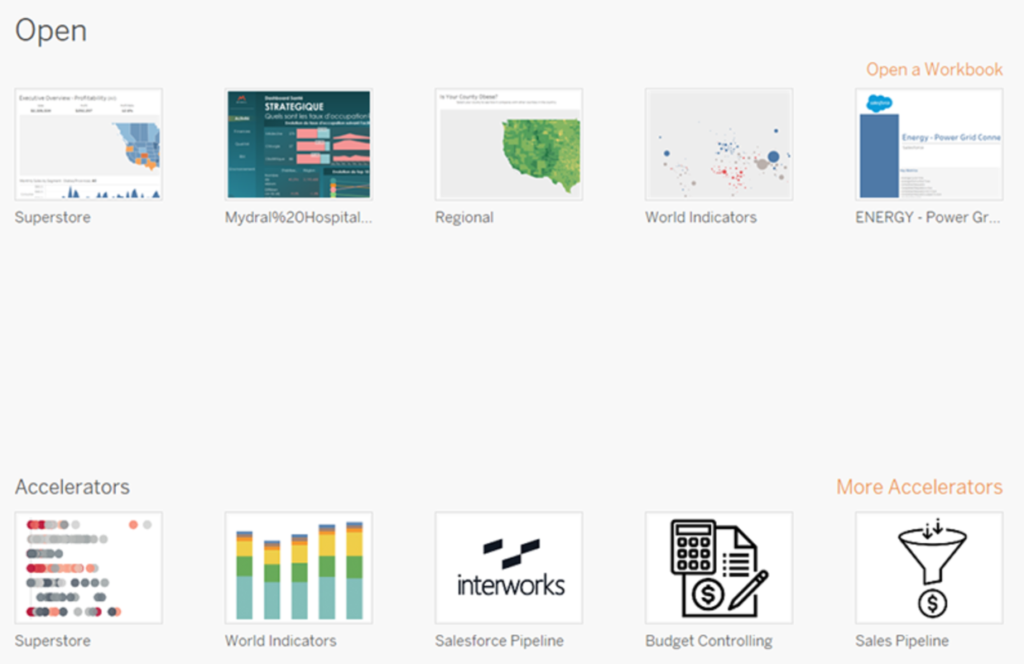
The Open pane provides the following options:
- Open Recent Workbooks: Displays thumbnails of recently opened workbooks. Click on a thumbnail to open a workbook. If no recent workbooks are shown, use the “Open a Workbook” link to locate saved workbooks on your computer.
- Pin Workbooks: Pin your favorite workbooks to the start page by clicking the pin icon on the top-left corner of the workbook thumbnail. Pinned workbooks always appear on the start page, even if not opened recently. Remove a workbook by hovering over its thumbnail and clicking the “x.”
- Explore Accelerators: Discover pre-built Accelerators and sample workbooks. Examples include Superstore and World Indicators, showcasing Tableau’s capabilities. Accelerators, available from the Tableau Exchange, are dashboards tailored for specific industries. Before 2023.2, this section featured sample workbooks exclusively. Click “More Accelerators” to view all available Accelerators from the Tableau Exchange.
Discover:
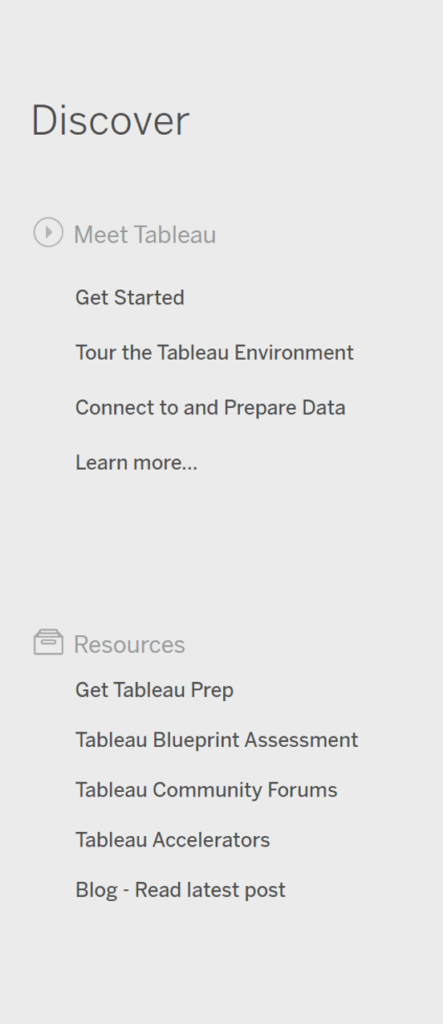
Explore external resources and Tableau community content, including:
- Tableau Public Views: Discover popular views created by the community.
- News and Blogs: Stay informed with the latest Tableau news and blog posts.
- Training Resources: Access training videos and tutorials to support your Tableau learning journey.